
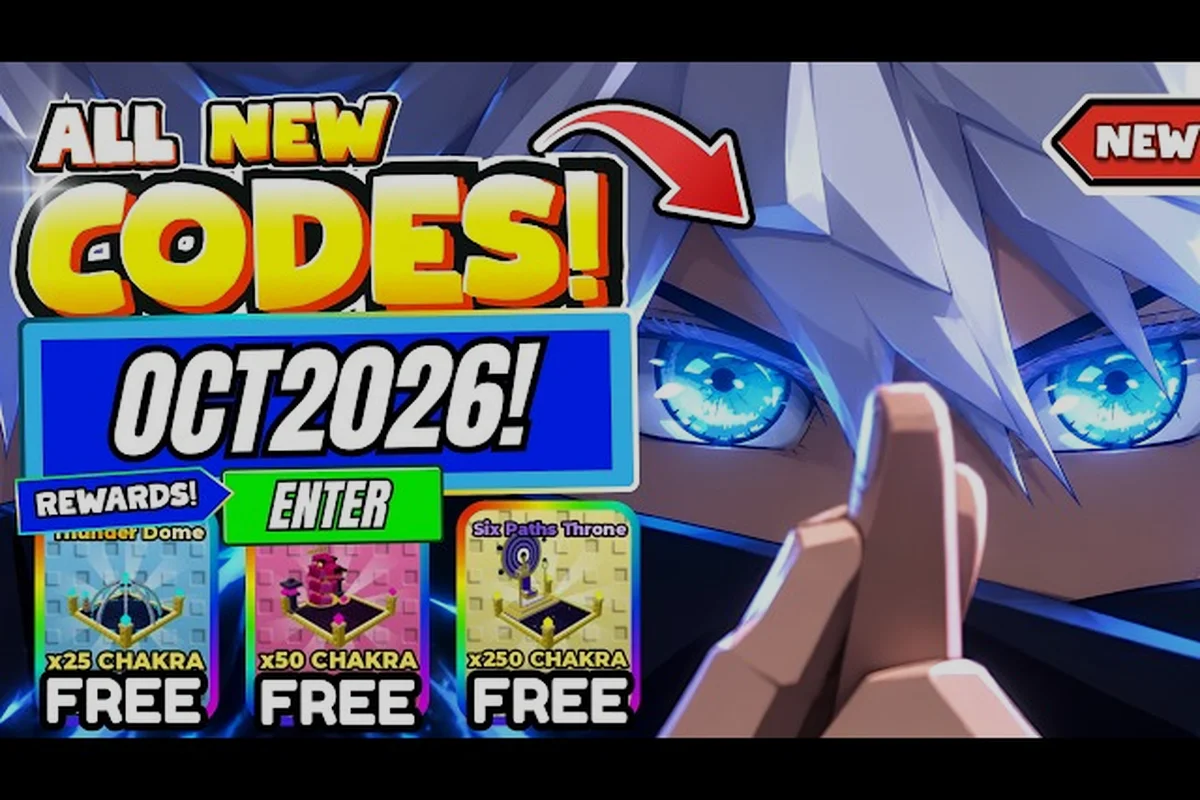
Understanding the 1 anime eyes version history helps players separate confirmed patch details from community guesses. The October 2026 update adds a new boss, refreshed codes, and a 1 million visits code, and the useful way to track it is to compare visible client changes before and after each release. No Like Goal or Favorite Goal reward is documented, so those counters should not be treated as a progression track.
Release Timeline Overview
The available 1 anime eyes update history is still developing because the developer has not published a complete, chronological changelog. Instead, players rely on the game client, community videos, and reports about each release. That makes the distinction between confirmed information and player inference especially important when reviewing the 1 anime eyes version history.
The clearest documented checkpoint is the October 30, 2026 Update 2. Community coverage associated the release with a new boss encounter, World 4 content, refreshed codes, and milestone rewards. Since the available community update video covering Update 2 and new codes is player-produced, its dates and balance observations should be treated as community reports rather than official patch notes.
| History checkpoint | Reported change | Confidence level | Best source to check |
|---|---|---|---|
| Update 2 | New boss and World 4 content | High | In-game notices and community footage |
| October 2026 codes | UPDATE2, KURUMA, and 1MILLIONVISITS reported | Medium | Current code list and redemption results |
| One-million-visit milestone | Community reward connected to 1MILLIONVISITS | Medium | Milestone notice and code outcome |
| Future Update 3 | Release timing remains uncertain | Low | Official in-game announcement |
This summary matters because it keeps the 1 anime eyes update history useful without presenting uncertain community claims as permanent developer facts. For a closer view of the release itself, the current +1 Anime Eyes update reference organizes Update 2 details by topic.
October 2026 Update Features and Changes
The 1 anime eyes october 2026 update is the strongest recent reference point in the 1 anime eyes version history because players reported several visible additions. According to community data captured on October 30, the patch included a new boss encounter, World 4 participation, and a refreshed reward list. The developer does not publish formal patch notes, so exact balance values remain unverified.
New Boss and World Content
The new boss was presented as the main combat feature of the release. Players should treat the encounter as a progression check rather than assuming it immediately replaces every earlier farming target. Its practical value depends on available eye multipliers, pet bonuses, chakra output, and whether the encounter rewards overlap with ordinary stage progression.
| Update 2 element | Reported content | Immediate player action |
|---|---|---|
| New boss | Fresh combat encounter | Test it after reviewing your current build |
| World 4 | Newly available progression area | Check unlock requirements in the client |
| Reward refresh | Milestone and event-related rewards | Inspect the reward panel before spending currency |
| Code refresh | Updated and milestone code strings | Redeem codes before assuming a reward is expired |
Players can also review the Update 2 overview and verified changes for a focused breakdown of the content introduced around the October release. This helps avoid mixing features from earlier updates with the additions associated with the latest patch, especially when a code list or a shop listing has changed.
What the Client Should Confirm
The game client is the strongest authority for live availability. Players should verify whether the boss can be challenged, whether World 4 appears in progression menus, and which rewards are attached to each milestone. The community video confirms that these subjects were discussed, but it cannot guarantee that every reward remains available after a later server or balance adjustment.
1 Million Visits and Milestone Rewards
The 1 anime eyes 1 million visits milestone is one of the most visible community-reported rewards in the October update. The code string 1MILLIONVISITS was reported alongside UPDATE2 and KURUMA in community coverage. Players associated the string with the milestone celebration, although the exact reward value and claim conditions should be confirmed in the client.
Verifying the Milestone Reward
Start by checking the event or milestone panel in the game. Compare the displayed reward with the code result rather than relying on an outdated screenshot. If the reward appears after redemption, record the account balance and the source menu so you can verify whether the grant came from the code, the milestone tracker, or both.
| Verification point | What to inspect | Why it matters |
|---|---|---|
| Milestone counter | Total visits displayed in the event panel | Confirms whether the account qualifies |
| Reward icon | Exact item, currency, or boost listed | Prevents confusion between similar bonuses |
| Redemption result | Confirmation message and updated balance | Shows whether the code actually applied |
| Expiration status | Any active or expired label | Identifies why a code may fail |
The 1 anime eyes milestone should be described as community-confirmed until an official notice confirms the grant. For current code context, including redemption behavior, the working code reference can help players check available strings without relying on old social posts.
Is There a Like Goal or Favorite Reward?
No official source documents a Like Goal or a Favorite Goal that pays an in-game reward. Likes and favorites are Roblox engagement counters, not currencies, and the developer has not published a milestone chart tied to them. The code named 1MILLIONVISITS references visits, not likes.
This distinction prevents wasted effort. A player may see a high like count and still find no claim button, while another player may redeem the visit code without any like-based bonus. Check the event interface and the code menu for actual grant conditions instead of assuming the two counters are linked.
Release Timeline and Verification Timeline
A useful 1 anime eyes version history should distinguish when something was observed from what the developer formally confirmed. Because official patch notes are unavailable, the timeline below combines community reports captured on October 30, 2026 with the practical checks players should perform afterward. Dates and details may vary by platform or game version.
October 30 Release Checkpoint
Community coverage linked the October 30, 2026 update to Update 2, a new boss encounter, World 4 content, and three reported code strings. This is the strongest dated checkpoint available in the supplied research. It provides a useful baseline for checking whether a client includes the expected content, but it does not prove every numerical balance change made by the developer.
Before and After the Release
Players often build a practical history by recording visible changes before and after a patch, including boss-menu access, the World 4 lock, code notices, new icons, and reward behavior. Comparing these checkpoints helps distinguish an immediate UI change from a lasting balance adjustment, while avoiding unreported launch dates or invented earlier version numbers.
| Observation period | What to record | Why it helps |
|---|---|---|
| Before Update 2 | Boss menu, World 4 lock, code notices | Establishes a clean comparison point |
| Immediately after | New icons, rewards, and code results | Shows the release's practical impact |
| Several days later | Reward availability and balance behavior | Reveals temporary versus persistent changes |
| Before the next patch | Final configuration and milestone state | Completes the version record |
Players should avoid filling gaps with invented patch numbers. If the client does not display a version number, a dated screenshot, video clip, and short written note are more reliable than assigning a version label from memory. This method produces a clear account of 1 anime eyes update history without overstating what is known.
Reading Community Reports Without Spreading Rumors
Community material is essential because official notes are missing, but its confidence level depends on when it was recorded and whether the reporter showed the actual game state. The supplied video is useful for Update 2 content and reported codes, yet promotional headlines alone do not establish exact reward amounts or permanent availability.
Strongest Evidence to Seek
Strong evidence includes an uncropped client screen, the reward panel after redemption, a visible event counter, and the in-game boss menu. A video that shows these elements can confirm that a feature existed at the time of recording. It cannot automatically confirm that a temporary milestone remains active weeks later.
| Evidence type | What it can support | Limitation |
|---|---|---|
| In-game reward panel | Reward identity and current condition | May not reveal code source |
| Redemption confirmation | Whether a code applied | Does not prove lasting availability |
| Boss footage | Encounter existence and behavior | May omit unlock requirements |
| Community checklist | Breadth of reported changes | Can contain outdated claims |
| Developer announcement | Official intent and timing | Rarely provides a full changelog |
When comparing reports, focus on agreement rather than repetition. If several players independently show the same milestone and code result, confidence rises; if only one unsourced post repeats a claim, keep it labeled as uncertain. The latest update tracker is useful for checking which rumors have been replaced by newer announcements.
Practical Checklist for the 1 Million Visits Milestone
Players can turn the reported milestone into a repeatable process rather than an urgent guessing game. First, confirm the visit counter and reward in the client. Next, test the reported code and note the result. Finally, save the confirmation screen and compare it with the event panel so you understand whether the reward was automatic, code-based, or split between two systems.
-
Check the counter: Open the milestone panel and confirm that the displayed visit total reaches one million.
-
Inspect the reward panel: Record the exact boost, currency, or item associated with the milestone before entering a code.
-
Test the reported string: Redeem 1MILLIONVISITS and record whether the game confirms it.
-
Compare balances: Check chakra, currency, or item changes before and after redemption to identify the actual grant.
-
Save dated evidence: Keep a screenshot showing the reward and the relevant event conditions.
The related like and favorite reward guide confirms that no Like Goal or Favorite Goal reward is documented. Players should not assume that a visit counter and a favorite counter share a threshold or payout, because the available evidence only supports the one-million-visit code name.
What the Update 2 Milestones Mean for Progression
Update 2 appears to have expanded the progression loop in three directions: a new boss encounter, access to World 4, and event-driven rewards tied to the visit milestone. The update history therefore reflects more than visual additions. It changes the order in which players may test their build, redeem rewards, and decide whether to continue farming earlier content.
| Player situation | Best milestone-related action | Reason |
|---|---|---|
| New player | Review unlock prompts and free rewards | Avoids assuming late-game requirements are available immediately |
| Mid-game farmer | Compare the new boss with current farming targets | Identifies a potentially better reward route |
| Milestone-focused player | Verify visits and redeem eligible codes | Directly addresses the reported one-million reward |
| Returning player | Inspect World 4 and update notices | Prevents missed temporary content |
In practical terms, the update history should be read as a verification checklist rather than a complete changelog: check which milestone rewards are currently live, confirm whether the World 4 boss and community-event claims are claimable, then test the resulting progression route against existing farming targets. For example, a mid-game player can compare the new boss’s actual reward efficiency with the current best farming loop, while a returning player should separately verify the one-million-visit milestone and any temporary codes. This separates confirmed Update 2 features from scattered, potentially outdated posts and makes the October 2026 history useful for deciding whether progression has genuinely improved.
Frequently Asked Questions
What is the latest confirmed 1 anime eyes update history checkpoint?
The latest clearly dated checkpoint in the available research is Update 2 on October 30, 2026. Community coverage associated it with a new boss, World 4 content, refreshed codes, and a one-million-visit milestone. Because official patch notes are unavailable, players should confirm live features and rewards inside the current client rather than treating every community detail as permanent.
Is the 1 anime eyes 1 million visits reward automatic?
The available evidence does not establish that the reward is entirely automatic. Players reported a code named 1MILLIONVISITS alongside Update 2 and KURUMA, so the safest process is to inspect the milestone panel, attempt redemption, and compare the resulting balance. This method reveals whether the award came from the event tracker, the code, or both without relying on assumptions.
Does reaching the 1 anime eyes like goal grant the visit reward?
No. No Like Goal or Favorite Goal reward is documented, and the 1MILLIONVISITS code references visits rather than likes. Treat likes, favorites, and visits as separate Roblox counters, and check the code menu for the actual grant condition instead of assuming a like target unlocks the visit reward.
What should players verify after the October 2026 update?
Players should confirm the new boss, World 4 availability, milestone conditions, code results, and any balance changes. Record dated screenshots or footage so later patches do not blur the October 30 checkpoint. It is also useful to compare reward balances before and after redemption, since that reveals the practical source and value of each grant.
Where can players find reliable update information?
The in-game client should remain the primary source for current menus, requirements, and rewards. Community videos are helpful for comparing reported events with gameplay, but they should be labeled as player reports because the developer has not published complete formal patch notes. Cross-check details against the game interface before spending currency or changing a progression plan.