
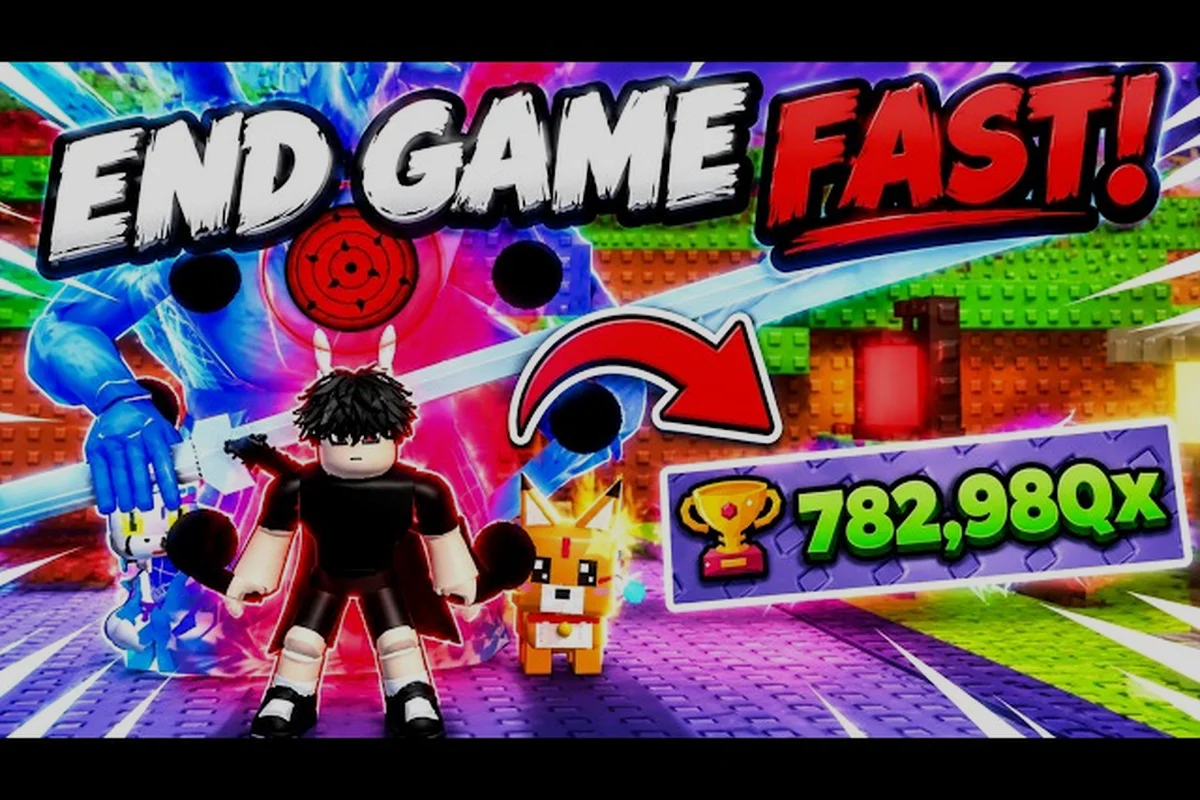
A 1 anime eyes macro is only useful for one confirmed input in +1 Anime Eyes: repeated clicking. The core loop awards +1 Chakra per click, and a controlled click routine can make long training sessions less tiring. It cannot earn Wins, open stage clears, change a pet egg, or alter the multiplier shown by a training area. Everything else still needs a decision from you.
That boundary is the whole guide. Community coverage from October 2026 shows clicking, training areas, stage clears, pet eggs, auras, rebirth, offline Chakra, and the +10% group bonus, but it does not show a shortcut that converts clicks into Wins or Trophies. If a setup promises that, it is describing something the reviewed sources do not support.
Which Inputs a Macro Can Actually Automate
The safest way to plan a 1 anime eyes auto clicker routine is to sort inputs into two groups: actions that repeat on a fixed rhythm and actions that depend on reading the screen. Clicking belongs in the first group. Choosing a training area, spending Chakra, entering a stage, hatching an egg, or joining the group belongs in the second.
The game store lists an Auto Clicker product, which is a different thing from an external macro. The store item is part of the game's own monetization. A third-party macro is software running outside the game, and its permission status is a separate question. Do not treat the existence of the store item as permission for any desktop tool.
| Input | Suitable for automation | What it cannot change |
|---|---|---|
| Click or attack | Yes, if the game rules allow it | The base +1 Chakra per click |
| Training-area entry | No, it needs a choice | The area's displayed multiplier |
| Stage clear | No, it needs active play | Wins and Trophies earned |
| Pet egg hatch | No, it is a menu action | The egg tier you receive |
| Aura readout | No, it is a menu view | The aura's Chakra multiplier |
| Group join | No, it is an account action | The reported +10% membership bonus |
A macro also cannot see whether the click counter is still rising. That is why a short calibration block matters more than a long unattended run. Ten clicks that register are worth more than a thousand clicks sent while a menu is open.
Run a short calibration block
Start with thirty seconds of manual clicking and record the Chakra total before and after. Then run the same duration with the tool and compare the registered change, not the tool's own click counter. If the two totals match, the timing is probably fine. If the automated total is lower, the inputs are landing too fast or the pointer has drifted off the active area.
Setting Up an Auto Clicker Safely
A 1 anime eyes clicker should be easy to stop and easy to audit. Look for a visible status indicator, a stop hotkey that works even when the game window is focused, and a click interval you can change in small steps. Avoid tools that request administrator rights, install browser extensions you did not choose, or hide their process name.
| Clicker feature | Why it matters | Preferred starting point |
|---|---|---|
| Adjustable interval | Matches the game's registered click rate | Slow, then raise gradually |
| Stop hotkey | Ends a session without closing the game | Test it before every session |
| Click limit | Prevents an unattended overrun | A conservative cap |
| Visible status | Shows whether the tool is active | Keep it on screen |
| Local-only install | Reduces unrelated software risk | No admin rights |
The interval is the first setting to test because it is the easiest to reverse. Change one value, run a fixed comparison, and keep the change only if the registered Chakra total improves. A tool that feels fast but produces the same total is not saving time.
Keep one manual override key
Hover the pointer over the active training area, confirm the counter moves, and only then start the tool. Keep one hand on the stop key. If a menu opens, a stage prompt appears, or the counter freezes, stop first and diagnose second. A routine that cannot be interrupted is not a farming routine; it is an unattended risk.
Choosing a Click Rhythm That Registers
Improving 1 anime eyes how to click faster is a measurement problem before it is a speed problem. The game can register only so many meaningful actions, and extra inputs past that point do not add Chakra. The useful number is registered gain per minute, not clicks per minute.
| Test block | Action | What to record |
|---|---|---|
| Baseline | Manual clicking at a comfortable pace | Starting and ending Chakra |
| Interval A | Slow automated clicks | Registered gain and missed inputs |
| Interval B | Slightly faster automated clicks | Registered gain and missed inputs |
| Recovery | Manual clicks after a short break | Whether accuracy returns |
Run each block for the same length and keep the training area, pet, aura, and membership status unchanged. If you alter two variables, the result cannot tell you which one helped. This is the same discipline you would use for any other measurement in the game.
Why the fastest interval is not the best
A very fast interval can outrun the game's input handling. The symptom is familiar: the tool reports thousands of clicks while the Chakra counter barely moves. Reduce the rate, confirm that every burst produces a visible change, and only then test a slightly faster setting. Rate matching beats raw speed every time.
Training-Area Sessions and Stage Clears
Training areas are bought with Chakra and display a multiplier. Clicking generates the Chakra that pays for them, so a macro can support the income side of that purchase. It cannot choose the area or confirm that the displayed multiplier is worth the price. Those are still manual decisions, and the training spots guide explains how to compare the displayed rate before buying.
Stage clears are a different route. They award Wins and Trophies, which a macro cannot generate because a clear needs active play. If your next goal is a sword at 300, 2K, or 15K Wins, or the 500 Wins Aura, the session should be built around clears rather than clicks.
| Goal | Macro role | Manual role |
|---|---|---|
| Raise Chakra for a training area | Repeat clicks at a measured rate | Choose the area and check the price |
| Reach a sword tier | None | Clear stages for Wins |
| Reach a Trophy exchange | None | Clear stages for Trophies |
| Hatch a pet egg | None | Open the egg menu and read the result |
| Test an aura's effect | Keep the background rate stable | Compare the displayed multiplier |
A 1 anime eyes best farming method is therefore goal-specific. Clicking automation supports Chakra income, while stage play supports Wins and Trophies. If the next purchase needs a stage counter, the clicker is the wrong tool for that hour. Trying to use one route for every currency is the fastest way to waste a session.
When a stage clear is the better target
If the next purchase needs Wins or Trophies, stop the clicker and play the stage. A click session cannot move those counters. The only exception is using clicks to fund a training area that helps you clear stages later, which is an indirect route with its own cost in time.
Reading Pets, Auras, and Group Membership
The confirmed account bonuses are easy to list, and none of them are controlled by a macro. Pets come from eggs, with Normal, Shinobi, Super OP, and Ultra OP tiers reported in community footage. Kurama is reported at 100x Chakra, while Ninja Toad, Shadow Crow, and a dog pet appear without a published value table.
Auras are described as Chakra multipliers. The 500 Wins Aura is an early purchase, and Rainbow Aura is tied to the Ultimate OP Bundle in community reporting. The game does not publish a full multiplier table, so the displayed value is the only reliable check. Joining the Bando Interactive group advertises +10% Chakra as a membership benefit.
| Bonus layer | Confirmed fact | What to check |
|---|---|---|
| Pet | Egg tiers and several pet names | The displayed effect of the pet you are using |
| Aura | A Chakra multiplier | The multiplier shown in the current interface |
| Group | +10% Chakra for members | Whether the membership status is applied |
| Training area | A displayed rate bought with Chakra | The current price and multiplier |
| Rebirth | A permanent multiplier after a reset | Your current rebirth state |
What the pet screen actually shows
Pet value is reported through community footage rather than an official stat sheet. Read the displayed effect for the pet you are using, then run the same training area before and after a change. Do not compare from memory or assume that a rarer egg always produces a stronger result. The pet system overview lists the confirmed egg tiers and pet names.
Treat the aura as a Chakra multiplier
An aura is not a combat transformation and it does not have a documented level, stage, or colour variant. Check the multiplier displayed in the current interface and use it as one layer of the Chakra stack. If the interface does not show a value, the sources reviewed here cannot supply one, and the aura guide keeps the confirmed details separate from community reports.
Confirm the +10% membership status
Group membership is a one-time account action, not a party or team system. There is no teammate, roster, or group-training mechanic documented. Confirm that the membership bonus is applied before a long session, and do not credit it for a gain that came from a different bonus.
Offline Chakra Between Click Sessions
Offline Chakra is a confirmed feature, but the reviewed sources do not publish an exact formula, cap, or duration. It accumulates while you are away and supports the Chakra balance. It does not produce Wins or Trophies, and a macro does nothing for it because the game is not receiving inputs. The offline Chakra guide explains how to log returns and look for an effective cap.
| Session boundary | Rule | Reason |
|---|---|---|
| Start | Confirm the training area is producing Chakra | Prevents automated clicking into a menu |
| During | Check the counter at fixed intervals | Catches drift and menu interruptions |
| Stop | Use a time cap or a Chakra target | Prevents an unattended overrun |
| After | Record the result and close the tool | Makes the next session comparable |
| Offline | Collect on return and spend with a goal | Keeps passive gain useful |
Stop conditions that protect the account
Set two stop conditions before the session starts: a duration cap and a registered-gain target. Whichever arrives first ends the run. This keeps the tool tied to a measurable outcome instead of leaving it active while you do something else.
Anti-Cheat and Account Safety
Automation rules are controlled by the platform and the developer, and they can change between updates. Roblox publishes its own terms for third-party software, and +1 Anime Eyes may apply its own enforcement. The safe default is to use only automation the game explicitly permits. If the rules are unclear, do not run the tool.
Do not install a clicker from an unverified source. Do not grant administrator rights, disable security prompts, or share account credentials with a tool. Keep the operating system and browser updated, and close the tool when the session ends. These habits protect more than the game account.
| Risk | Warning sign | Correct action |
|---|---|---|
| Unverified executable | Requests admin access or a browser change | Do not install it |
| Rule violation | The game warns about automation | Stop and read the current rules |
| Account exposure | A tool asks for your login | Close it and change the password |
| Input drift | Clicks land while a menu is open | Stop and reposition manually |
| Overrun | The tool keeps running after you leave | Use a hard stop condition |
Verify the rules before every long session
Read the current game description and the platform terms before relying on a tool. A routine that was acceptable last month may not be acceptable after an update. The full progression guide covers the wider account plan without depending on automation.
Troubleshooting a Stalled Input Loop
Most macro problems look like game problems. Clicks register visually but the Chakra counter does not move, or the counter moves in bursts instead of a steady stream. Work through the causes in a fixed order so that one change can be evaluated.
| Symptom | Likely explanation | Adjustment |
|---|---|---|
| Counter does not move | Pointer is off the active area or a menu is open | Reposition and verify manually |
| Gain arrives in bursts | Interval is too slow for the game's handling | Raise the rate in small steps |
| Some inputs are skipped | Interval is too fast | Lower the rate |
| Character stops responding | The game lost focus or a prompt appeared | Stop, inspect, then restart |
| Results differ between runs | The training area or bonus state changed | Use a fixed duration and recheck the setup |
Fix the target first, then the interval, then the session length. Changing all three at once produces a result you cannot explain. A simple log with the date, training area, interval, and registered Chakra is enough to spot a pattern.
A Repeatable Macro Session Plan
A repeatable plan starts before the tool is opened. Choose one goal, confirm the training area is active, check the pet, aura, and membership state, and decide how the session will end. The plan should be short enough to finish and specific enough to compare with the next run.
| Step | Action | Record |
|---|---|---|
| 1 | Choose a Chakra target or a time cap | The stopping condition |
| 2 | Confirm the training area is producing Chakra | The displayed rate |
| 3 | Check pet, aura, and membership status | Each displayed effect |
| 4 | Run a short manual block | Baseline gain per minute |
| 5 | Run the same block with the tool | Registered gain per minute |
| 6 | Stop at the boundary and close the tool | Final result and next step |
Compare equal blocks, not best moments
A single strong run is not evidence. Run two equal blocks and compare the totals. If the automated block does not beat the manual block, the tool is not helping, and the honest decision is to click manually or change one setting. That conclusion is more useful than a screenshot of an unusually good moment.
Frequently Asked Questions
Is a macro allowed in +1 Anime Eyes?
Only use automation that the platform and the game explicitly permit. Rules can change by update, so check the current Roblox terms and the game description before running a 1 anime eyes macro. If the rules are unclear or the game issues a warning, stop using the tool.
What click interval should I use for a 1 anime eyes macro?
Start slow and raise the interval only while every burst produces a visible Chakra change. The best setting matches the rate the game registers, not the highest number the tool can display. If the counter stalls, lower the rate and check the pointer position.
Can an auto clicker earn Wins or Trophies?
No. Wins and Trophies are stage-clear rewards, and a click routine cannot clear a stage. Use the clicker for Chakra income and play stages when the next goal is a sword, the 500 Wins Aura, or a Trophy exchange. Mixing the two routes in one session usually slows both counters.
Does a macro change pets, auras, or the group bonus?
No. Pets come from eggs, auras act as Chakra multipliers, and the group bonus is a +10% membership benefit. The tool only repeats clicks. Read each displayed effect in the interface, confirm the membership status, and keep the tool away from menus that need a decision.
How long should a macro session last?
Use a duration cap and a registered-gain target, and stop at whichever comes first. Shorter blocks with a clear comparison are easier to evaluate than one long unattended run. Record the result before starting the next session so the next decision rests on data.
A strong 1 anime eyes macro setup is defined by registered gain, a stop condition, and a clear account goal. Test slowly, change one setting at a time, and keep the tool inside the rules so that faster clicking never costs you the account.